Load Testing Tools: k6, Artillery, and Locust Compared
Load Testing Tools: k6, Artillery, and Locust Compared
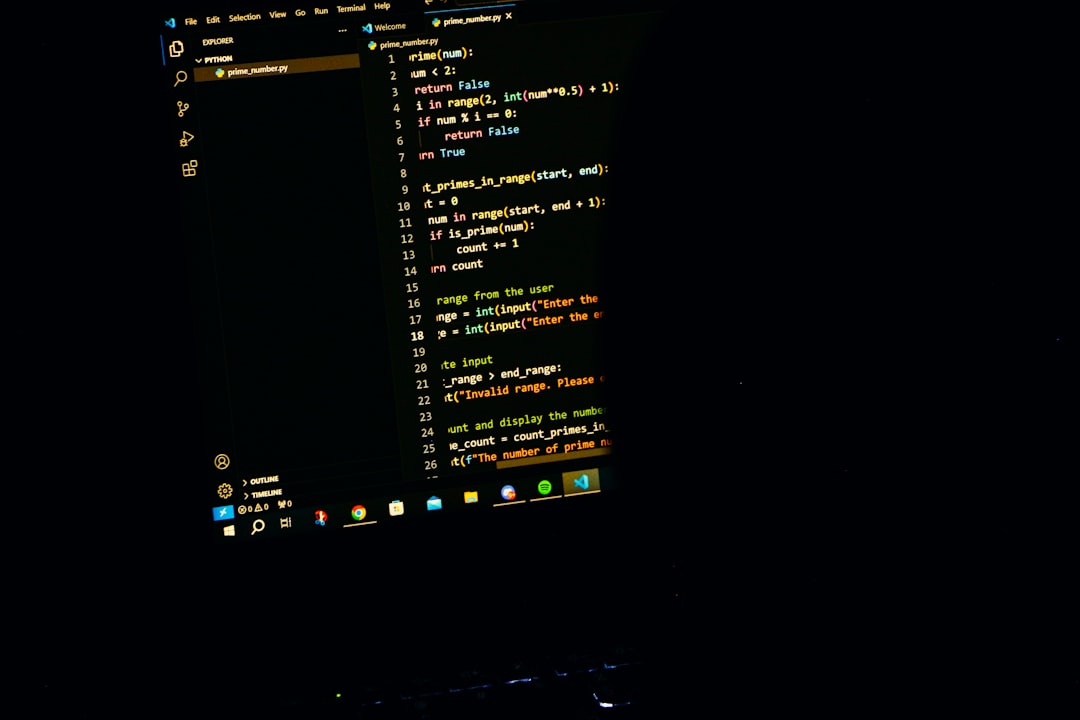
Photo by Rakib Bin Aziz on Unsplash
Load testing tells you how your system behaves under stress before your users find out the hard way. The three most popular open-source tools are k6 (JavaScript tests, Go runtime), Artillery (JavaScript/YAML, Node.js runtime), and Locust (Python). Each has different strengths. This guide compares them with real examples so you can pick the right one.
k6: The Performance-First Option
k6 is built by Grafana Labs. You write tests in JavaScript, but they execute in a Go runtime -- which means your test scripts feel familiar but the execution is extremely efficient. A single machine can generate tens of thousands of requests per second.
Setup
# macOS
brew install k6

# Linux (Debian/Ubuntu)
sudo gpg -k
sudo gpg --no-default-keyring --keyring /usr/share/keyrings/k6-archive-keyring.gpg \
  --keyserver hkp://keyserver.ubuntu.com:80 --recv-keys C5AD17C747E3415A3642D57D77C6C491D6AC1D69
echo "deb [signed-by=/usr/share/keyrings/k6-archive-keyring.gpg] https://dl.k6.io/deb stable main" \
  | sudo tee /etc/apt/sources.list.d/k6.list
sudo apt-get update && sudo apt-get install k6

# Docker
docker run --rm -i grafana/k6 run - <script.js
Writing Tests
// basic-test.js
import http from "k6/http";
import { check, sleep } from "k6";

export const options = {
  stages: [
    { duration: "30s", target: 20 },   // ramp up
    { duration: "1m", target: 20 },    // sustain
    { duration: "10s", target: 0 },    // ramp down
  ],
  thresholds: {
    http_req_duration: ["p(95)<300"],  // 95th percentile under 300ms
    http_req_failed: ["rate<0.01"],    // error rate under 1%
  },
};

export default function () {
  const res = http.get("https://api.example.com/products");
  check(res, {
    "status 200": (r) => r.status === 200,
    "body has products": (r) => r.json().length > 0,
  });
  sleep(1);
}
Realistic Scenarios
k6 supports scenarios for modeling complex traffic patterns:
export const options = {
  scenarios: {
    browse: {
      executor: "ramping-vus",
      startVUs: 0,
      stages: [{ duration: "2m", target: 100 }],
      exec: "browsing",
    },
    purchase: {
      executor: "constant-arrival-rate",
      rate: 10,
      timeUnit: "1s",
      duration: "2m",
      preAllocatedVUs: 50,
      exec: "purchasing",
    },
  },
};

export function browsing() {
  http.get("https://api.example.com/products");
  sleep(Math.random() * 3);
}

export function purchasing() {
  const payload = JSON.stringify({ productId: 42, quantity: 1 });
  http.post("https://api.example.com/orders", payload, {
    headers: { "Content-Type": "application/json" },
  });
}
This models two concurrent traffic patterns: browsing users ramping up over 2 minutes, and a steady stream of 10 purchases per second. This is far more realistic than hammering a single endpoint.
CI Integration
k6 exits with a non-zero code when thresholds fail, making it trivial to add to CI:
# .github/workflows/load-test.yml
- name: Run load test
  uses: grafana/[email protected]
  with:
    filename: tests/load/basic-test.js
k6 Strengths: High performance (Go runtime), excellent threshold system for CI, Grafana integration for dashboards, wide protocol support (HTTP, WebSocket, gRPC), browser testing module.
k6 Weaknesses: JavaScript-only test scripts (not full Node.js -- no npm packages), the Go runtime means some JS APIs are missing, distributed testing requires k6 Cloud or custom orchestration.
Artillery: The Node.js Option
Artillery runs on Node.js and defines tests in YAML with optional JavaScript hooks. It's approachable for teams already comfortable with the Node.js ecosystem.
Setup
npm install -g artillery
Writing Tests
# load-test.yml
config:
  target: "https://api.example.com"
  phases:
    - duration: 30
      arrivalRate: 5
      name: "Warm up"
    - duration: 60
      arrivalRate: 20
      name: "Sustained load"
    - duration: 30
      arrivalRate: 50
      name: "Peak load"
  ensure:
    p95: 500
    maxErrorRate: 1

scenarios:
  - name: "Browse and purchase"
    flow:
      - get:
          url: "/products"
          capture:
            - json: "$[0].id"
              as: "productId"
      - think: 2
      - post:
          url: "/orders"
          json:
            productId: "{{ productId }}"
            quantity: 1
artillery run load-test.yml
Custom Logic with JavaScript
# load-test.yml
config:
  target: "https://api.example.com"
  processor: "./helpers.js"
  phases:
    - duration: 60
      arrivalRate: 10

scenarios:
  - flow:
      - function: "generateUser"
      - post:
          url: "/users"
          json:
            name: "{{ name }}"
            email: "{{ email }}"
// helpers.js
module.exports = {
  generateUser(userContext, events, done) {
    const id = Math.floor(Math.random() * 10000);
    userContext.vars.name = `User ${id}`;
    userContext.vars.email = `user${id}@test.com`;
    return done();
  },
};
Plugins
Artillery has plugins for additional protocols and integrations:
# Install plugins
npm install artillery-plugin-metrics-by-endpoint
npm install artillery-engine-socketio
config:
  plugins:
    metrics-by-endpoint:
      useOnlyRequestNames: true
  engines:
    socketio-v3: {}
Artillery Strengths: YAML-first is approachable, full Node.js for custom logic (use npm packages), good plugin ecosystem, built-in support for Socket.IO and other protocols.
Artillery Weaknesses: Node.js runtime is less efficient than Go (more resource-hungry for high throughput), YAML can get verbose for complex scenarios, distributed testing is a paid feature (Artillery Cloud).
Locust: The Python Option
Locust lets you write load tests in plain Python. If your team is Python-first, Locust is the natural choice.
Setup
pip install locust
Writing Tests
# locustfile.py
from locust import HttpUser, task, between

class WebsiteUser(HttpUser):
    wait_time = between(1, 3)

    @task(3)
    def browse_products(self):
        self.client.get("/products")

    @task(1)
    def make_purchase(self):
        self.client.post("/orders", json={
            "productId": 42,
            "quantity": 1,
        })

    def on_start(self):
        """Called when a simulated user starts."""
        self.client.post("/login", json={
            "username": "testuser",
            "password": "testpass",
        })
The @task decorator weights control how often each task runs. With weights of 3 and 1, browsing happens three times as often as purchasing.
# Run with web UI
locust -f locustfile.py --host=https://api.example.com

# Run headless (for CI)
locust -f locustfile.py --host=https://api.example.com \
  --headless -u 100 -r 10 --run-time 2m
Distributed Testing
Locust has built-in distributed mode:
# Start master
locust -f locustfile.py --master

# Start workers (on other machines)
locust -f locustfile.py --worker --master-host=192.168.1.100
No paid tier required. Spin up workers on as many machines as you need.
Locust Strengths: Plain Python (use any library), built-in distributed mode (free), web UI for real-time monitoring, easy to model complex user behavior with classes and inheritance.
Locust Weaknesses: Python is slower than Go for generating load (need more workers for high throughput), no built-in threshold/assertion system for CI, the web UI is convenient but basic.
Head-to-Head Comparison
| Feature | k6 | Artillery | Locust |
|---|---|---|---|
| Language | JavaScript | YAML + JavaScript | Python |
| Runtime | Go | Node.js | Python |
| Performance | Excellent | Good | Moderate |
| CI Thresholds | Built-in | Built-in | Manual |
| Distributed | Cloud/custom | Cloud | Built-in (free) |
| Web UI | No (use Grafana) | No | Yes |
| Protocol Support | HTTP, WS, gRPC | HTTP, Socket.IO | HTTP, custom |
| NPM Packages | No | Yes | N/A |
| Learning Curve | Low | Low | Low |
When to Use Each
Use k6 when: Performance matters. You need to generate high throughput from minimal hardware, you want tight CI integration with thresholds, or you're already using Grafana for observability. k6 is the best general-purpose choice.
Use Artillery when: Your team lives in the Node.js ecosystem, you want YAML-defined tests for simple scenarios with JavaScript escape hatches for complex ones, or you need Socket.IO support.
Use Locust when: Your team is Python-first, you need free distributed testing without a paid tier, or your load test scenarios involve complex user behavior that benefits from Python's expressiveness and library ecosystem.
Best Practices (Regardless of Tool)
Test realistic scenarios, not just endpoints. Model actual user journeys: login, browse, search, add to cart, checkout. Single-endpoint benchmarks miss the interactions that cause real bottlenecks.
Run from separate infrastructure. Never load test from the same machine or network as your application. The test runner itself consumes CPU and network, skewing results.
Ramp gradually. Start with low traffic and increase over time. Step functions (0 to 1000 users instantly) create unrealistic thundering-herd scenarios that tell you nothing useful.
Set thresholds and fail CI. A load test that doesn't fail the build is a load test nobody looks at. Define acceptable latency and error rate targets, and enforce them.
Test regularly. Run load tests on every deploy or at minimum weekly. Performance regressions sneak in gradually -- catching them early is far cheaper than debugging them in production.
Watch system metrics, not just response times. CPU, memory, database connections, queue depth -- response times are symptoms. System metrics show you the cause.
Recommendations
- Default choice: k6. Best performance, best CI integration, best documentation.
- Node.js teams: Artillery if you want YAML simplicity with JS escape hatches.
- Python teams: Locust for pure-Python test definitions and free distributed testing.
- Quick one-off benchmarks: Use
heyorvegetainstead of these tools. They're simpler for single-endpoint checks. - All teams: Start with load testing your most critical paths (login, checkout, API endpoints that touch the database). Expand coverage from there.